
Most social media management tools were built for one of two buyers: the solo creator juggling three channels, or the massive enterprise with a dedicated social listening budget. Almost nothing was built for the buyer in the middle — a marketing team or agency that needs to plan content across stakeholders, keep a brand voice consistent across clients or business units, and actually measure what's working, without paying enterprise prices or outgrowing a prosumer tool in six months.
That gap is where most B2B marketing teams and agencies find themselves. You outgrow Buffer the moment more than one person needs to review a post before it goes live. You look at Hootsuite or Sprout Social and the quote comes back at hundreds of dollars per seat, per month, for features built around social listening and customer care — not content planning. And the LinkedIn-only tools some of your team already uses for their personal brand don't scale to a shared calendar at all.
This guide compares the best social media management tools in 2026, sorted by who they're actually for. We lead with DemandBird — the strongest option for teams planning and producing social content together, whether that's an agency managing multiple clients or a company aligning marketing, sales, and execs on one calendar — then cover the legacy, listening-first, and single-platform tools worth knowing.
Quick Comparison: Best Social Media Management Tools in 2026
Pricing pulled from each vendor's own public pricing page, verified September 2026. Hootsuite and Sprout Social figures reflect published per-seat rates for a 5-person team; actual enterprise quotes vary.
What to Look For in a Social Media Management Tool
Before comparing logos, get clear on what kind of buyer you actually are. The failure mode is paying for a social listening suite when you needed content planning infrastructure, or the reverse.
- Who's actually using it. A single creator scheduling posts has different needs than a team of five that needs drafts reviewed, approved, and repurposed before anything goes live. Per-seat pricing punishes teams; per-channel pricing punishes agencies.
- Planning vs. publishing vs. listening. Some tools are built to help you plan and produce content. Others are built to monitor mentions and manage a support inbox. Very few do both well — check which job the tool was actually designed around.
- Repurposing and content memory. Good B2B content gets reused, not written once and forgotten. Look for a content library that lets you adapt a post that worked six months ago for a different channel, rather than starting from a blank page every time.
- Approval workflows. If more than one person touches a post — a manager, a client, legal — you need built-in review and sign-off, not a shared spreadsheet or a Slack thread.
- Platform coverage that matches your channels. A tool that's excellent at LinkedIn but ignores the rest of your stack is a single-platform tool wearing a bigger label. Confirm it actually covers where your team posts.
- Pricing model. Per-seat pricing (Hootsuite, Sprout Social) gets expensive fast as a team grows. Per-channel pricing (Buffer) gets expensive fast as an agency adds clients. Look for a model that scales the way your team actually scales.
The Best Social Media Management Tools, Reviewed
DemandBird — Best for Teams & Agencies Planning Content Together
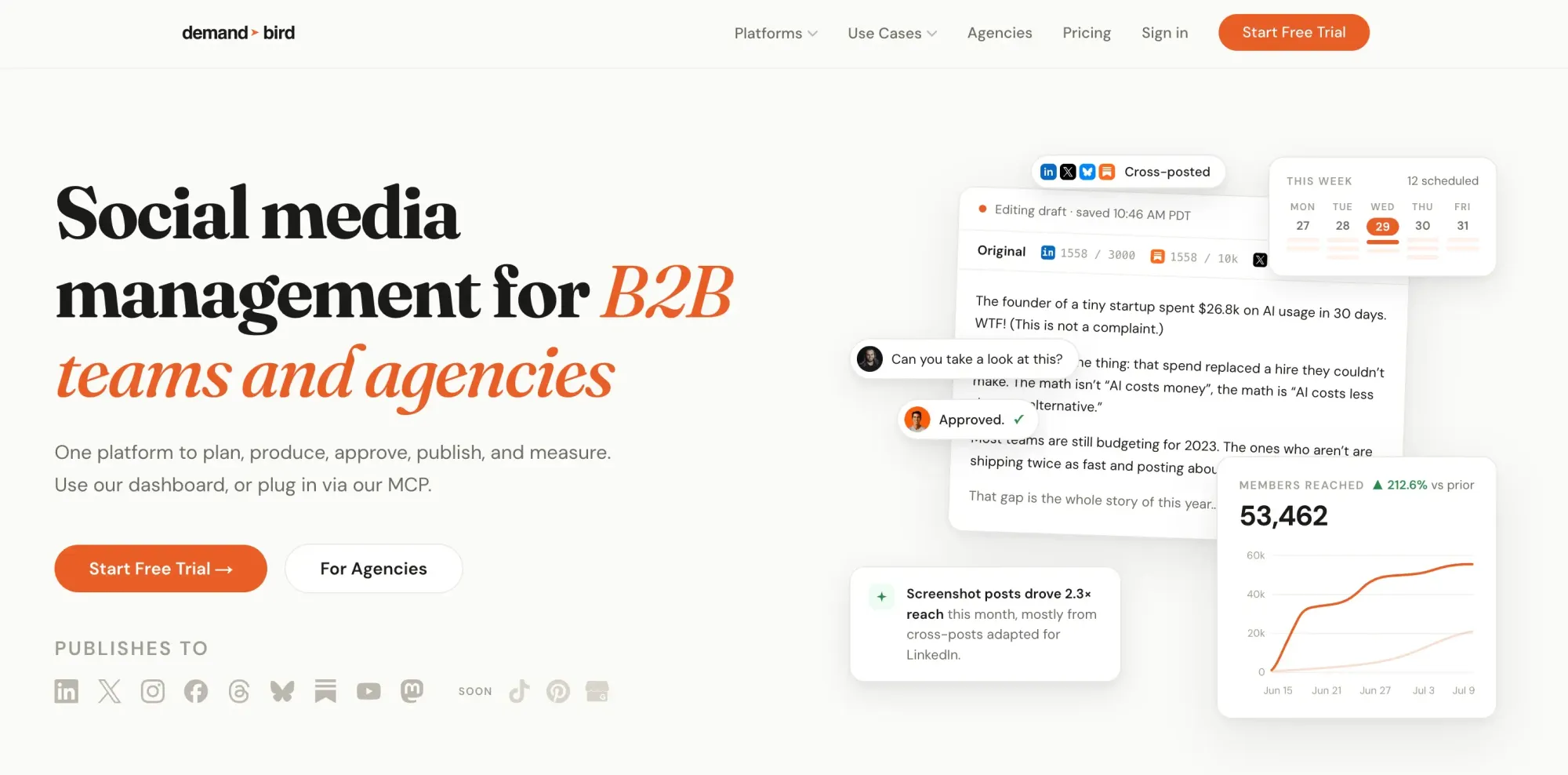
DemandBird is a social media management platform built specifically for B2B marketing teams and agencies that need to plan, produce, approve, and publish content as a group — not as a single scheduler with logins shared around. Instead of treating team collaboration as an upsell, DemandBird's Content Studio, content library, and approval workflows are built around how B2B content actually gets made: an idea gets drafted, reviewed by a manager or client, adapted for each channel, and published on a shared calendar.
Why DemandBird Stands Out
DemandBird's core idea is that content should compound instead of disappearing after it's posted. Every post published through the platform is saved to a content library, so a post that performed well six months ago can be pulled up and repurposed for a new channel in one click, rather than rewritten from scratch. The Auto-Adapt feature takes that further, reshaping a single idea into versions built for LinkedIn, X, Instagram, Facebook, Substack, YouTube, Threads, and Bluesky at once.
Team collaboration is treated as core functionality, not a locked add-on. Structured approval workflows, internal comments, and role-based permissions let a manager, a legal reviewer, or a client sign off on a post inside the tool, and agencies get multi-client workspaces that keep each brand's calendar and analytics separate without needing a separate login for every account. Cross-platform analytics roll performance up into one dashboard, so a team can see what's actually working without stitching together reports from five different native platforms.
On pricing, DemandBird doesn't charge per seat. Team members and workspaces are included at no extra cost up to each plan's cap — you pay for connected social accounts, not for the number of people reviewing and approving content. That's a meaningfully different model than the legacy tools on this list, where adding a fourth or fifth teammate means paying for another full license.
That said, DemandBird is a newer platform than the incumbents here, with active development still underway on a few channels (TikTok, Pinterest, and Google Business Profiles aren't live yet), and it isn't built for deep social listening or customer service inbox management the way Sprout Social is.
Bottom Line: If your team plans, drafts, and approves content together — whether that's an internal marketing team or an agency running multiple clients — DemandBird is the default choice: built-in approval workflows, real content repurposing, and pricing that doesn't punish you for having a team.
Hootsuite — The Legacy All-in-One Suite
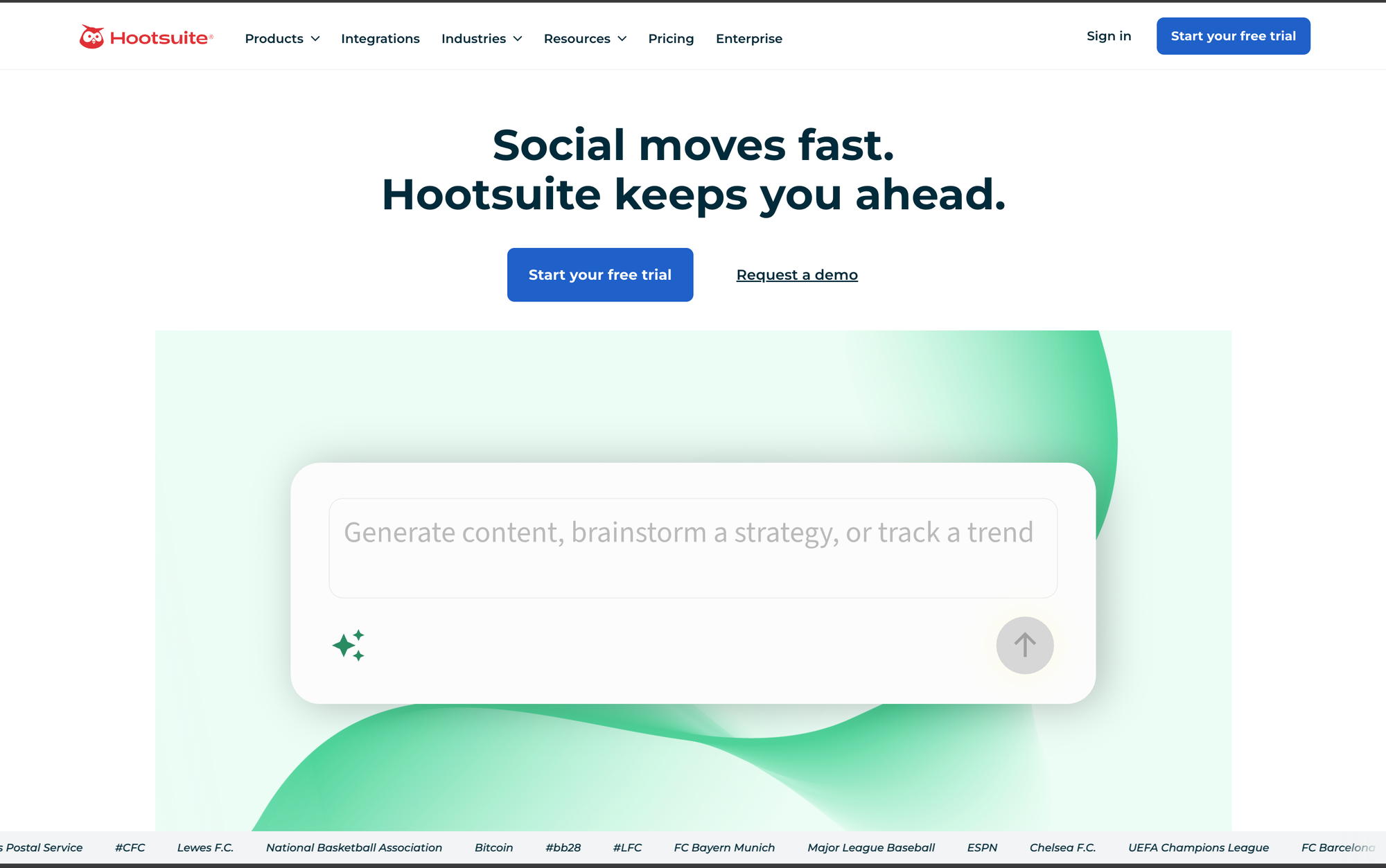
Hootsuite has been the default answer to "social media management tool" since 2008, and it shows — for better and worse. It bundles scheduling, a unified inbox, analytics, ad boosting, and basic listening into one dashboard, with an add-on marketplace and enough integrations to satisfy most enterprise procurement checklists.
The strength is breadth: nearly every major network and a long list of integrations are supported, and it's a known quantity to most enterprise IT and procurement teams. The trade-off is that pricing is per user with no volume discount built into the base tiers, so a five-person team lands well into the thousands of dollars a year before add-ons like advanced analytics or advanced listening are included. Approval workflows and a real content library are gated behind the top Enterprise tier, which is quote-based.
Bottom Line: A reasonable fit for a large organization that's already standardized on it, but an expensive, feature-heavy option for a team that mainly needs to plan and approve content together.
Sprout Social — Best for Social Listening & Customer Care
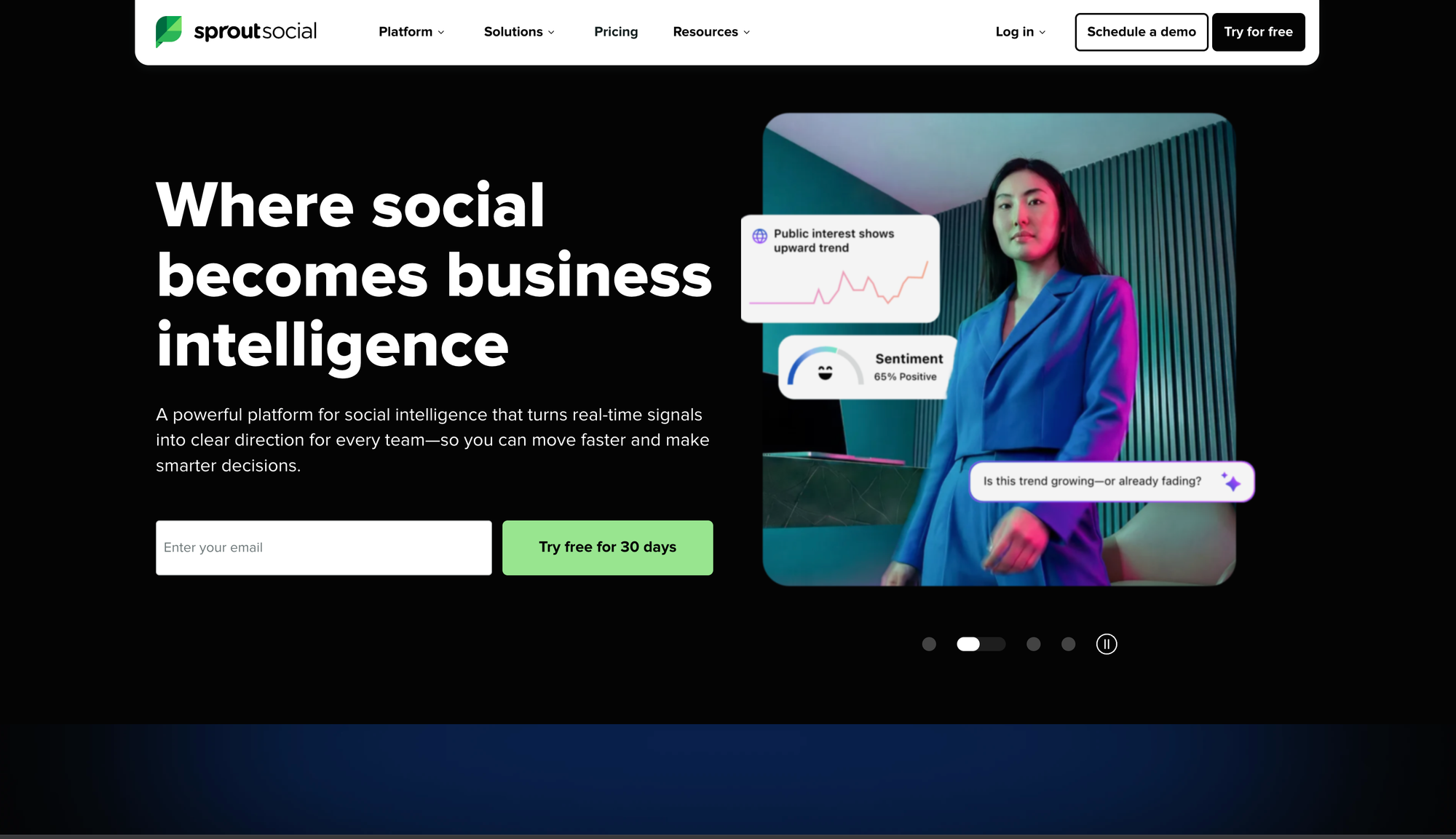
Sprout Social's strength is what happens after a post goes live: a Smart Inbox for managing replies and DMs across networks, keyword and brand monitoring, review management, and — on higher tiers — sentiment analysis and message spike alerts. It's built first for social customer care and listening, with content scheduling as one part of a larger suite.
Sprout is genuinely strong at listening and care — the Smart Inbox and monitoring tools are more capable than what most content-planning tools offer. The cost of that depth is price: the entry Standard tier caps you at five social profiles and still runs close to $2,400 a year per seat, and unlimited profiles don't unlock until the $299/seat Professional tier. For a five-person team, that puts Sprout among the most expensive tools in this category by a wide margin.
Bottom Line: The right pick if social listening and customer care are your primary use case and budget isn't the constraint — overkill, and expensive overkill, if you mainly need to plan and publish content as a team.
AuthoredUp — Best Single-Platform Tool for LinkedIn Creators
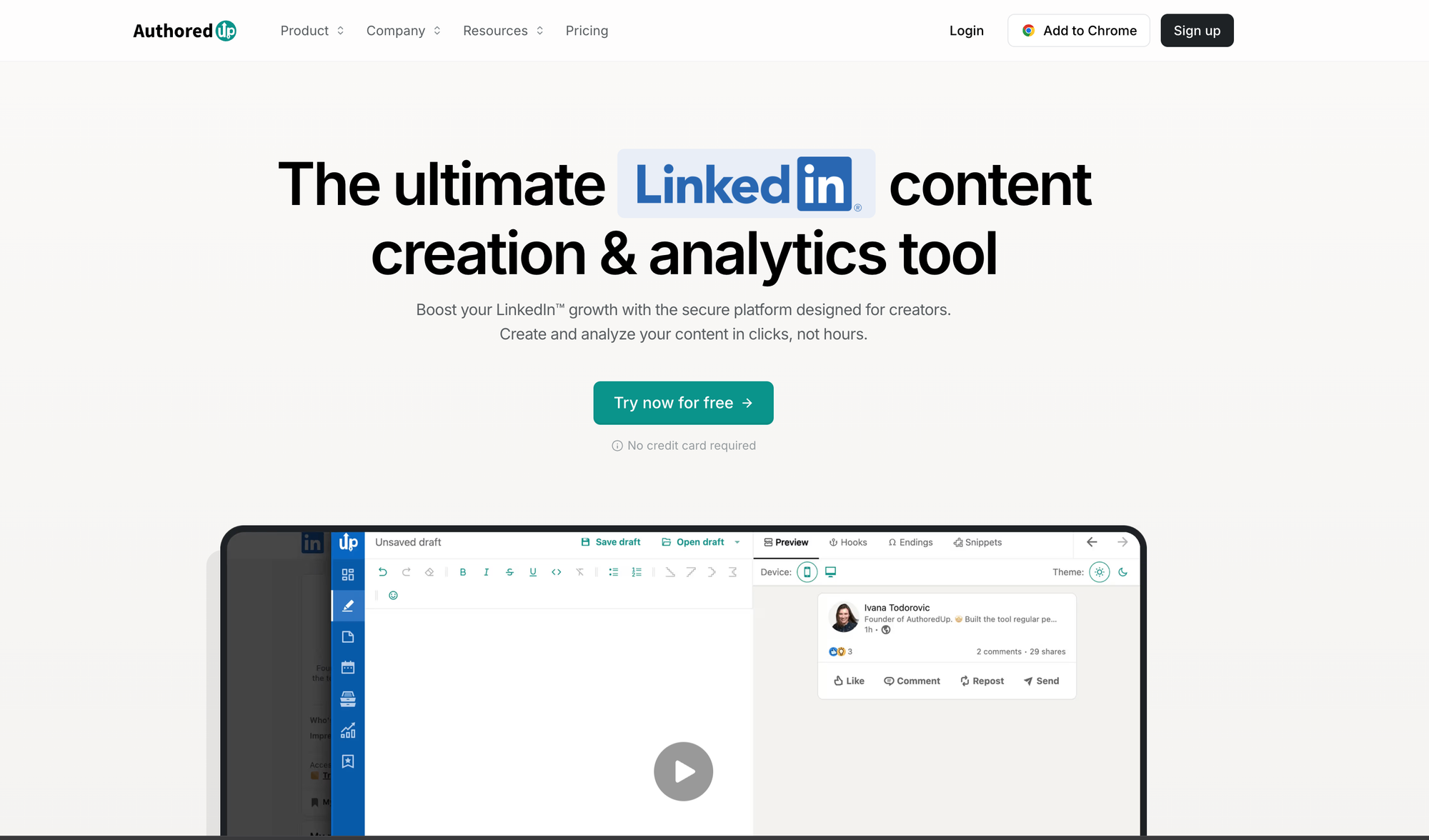
AuthoredUp is a Chrome extension and web app built exclusively for LinkedIn — formatting, a hook-template library, drafts, and a personal analytics dashboard that pulls in your full post history. It's explicitly not affiliated with or endorsed by LinkedIn, however, yet its own positioning leans on that independence: no automation and no cookie harvesting.
For what it does, AuthoredUp does it well — the formatting tools and hook library are genuinely useful for a single creator polishing LinkedIn posts, and reviewers consistently flag it as the one tool they use daily for that specific job. But it's a single-platform, unofficial add-on to LinkedIn's own interface, not a team content-planning system: there's no cross-platform scheduling, limited AI drafting, and it's built around one person's voice and one channel, not a shared team calendar. We advise caution when using any chrome extensions that alter your LinkedIn profile, and encourage those interested to review the LinkedIn Terms of Service.
Bottom Line: A strong, low-cost pick for an individual polishing their personal LinkedIn presence — not a fit for a team or agency managing content across channels and stakeholders.
Buffer — Best for Solo Creators & Nano-Businesses
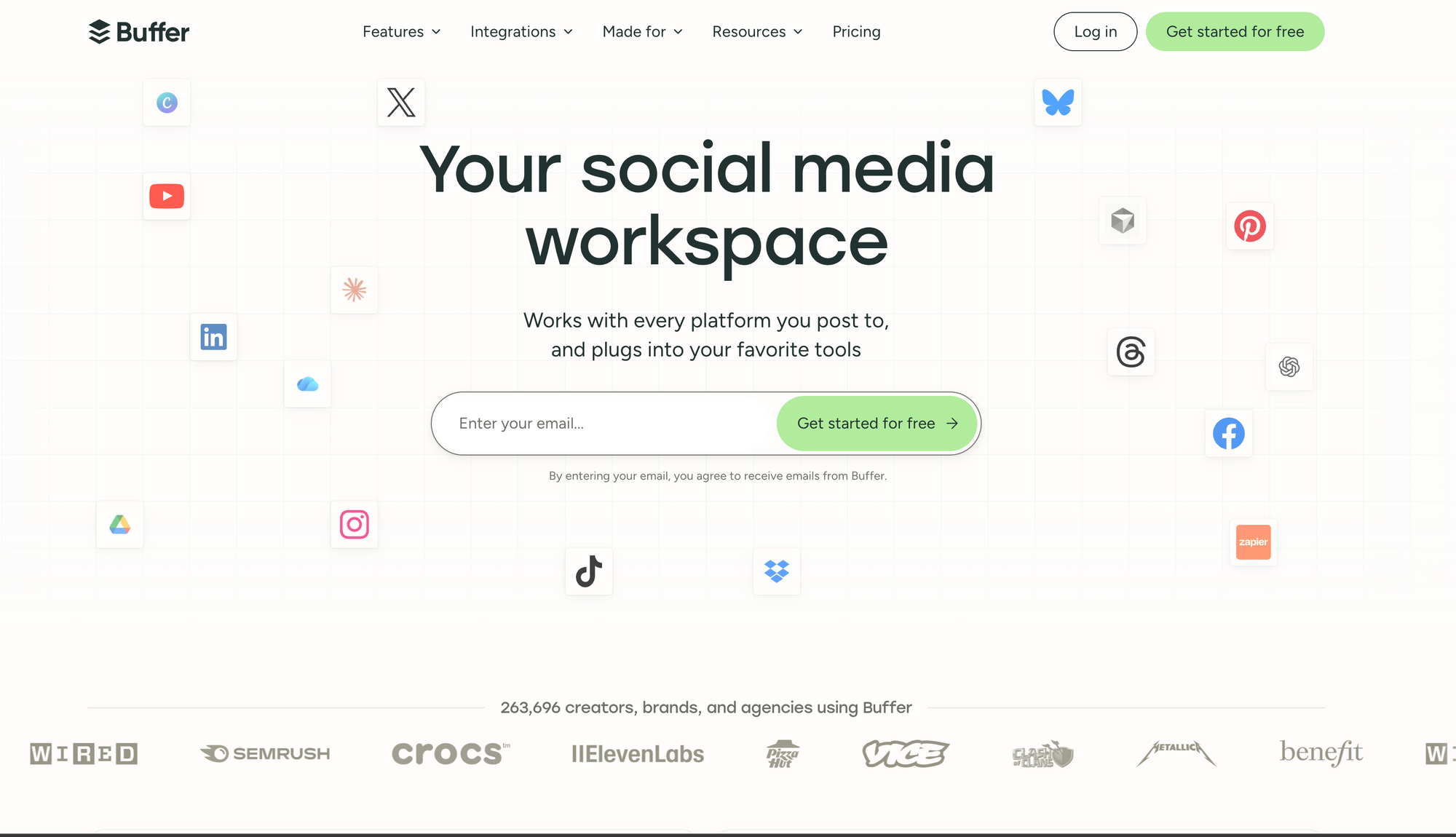
Buffer remains the simplest way to schedule posts across a handful of channels, and its free plan (3 channels, 10 scheduled posts each) is genuinely usable for testing the category before paying anything. Paid plans price per connected channel rather than per seat, which keeps costs low for a single person managing a few accounts.
The catch is the model itself: pricing is per channel, and the Essentials tier — Buffer's main paid plan — supports only one user. Getting real team collaboration means moving to the Team plan, where the per-channel price roughly doubles, and even then the workflow is closer to shared scheduling than the structured drafting, review, and approval pipeline a growing marketing team or agency actually needs. It's a strong tool for the job it's built for — a single person keeping a handful of accounts active — and a less reliable one once execution needs to run through a real team.
Bottom Line: Hard to beat for a solo creator or nano-business on a budget, but it starts to strain the moment more than one person needs to plan and approve content together.
Which Social Media Management Tool Fits Your Use Case?
FAQ: Social Media Management Tools
What is a social media management tool?
A social media management tool helps teams plan, create, schedule, publish, and measure content across social platforms from one place, instead of logging into each network separately. Depending on the tool, it may also cover approvals, team collaboration, content repurposing, or social listening and customer care.
What's the best social media management tool for a marketing team or agency?
For teams and agencies that need to plan, draft, and approve content together across multiple channels or clients, DemandBird is built specifically for that workflow, with approval workflows and content repurposing included rather than gated behind an enterprise tier.
What's the best social media management tool for social listening?
Sprout Social is the strongest option here, with a Smart Inbox, keyword and brand monitoring, and sentiment analysis built around social customer care, not just scheduling.
Is there a free social media management tool?
Buffer offers a genuinely usable free plan for up to 3 channels. DemandBird, Hootsuite, and Sprout Social all offer free trials rather than permanent free tiers, so you can test the platform before committing.
What's the best tool for a solo LinkedIn creator?
AuthoredUp is built exclusively for LinkedIn and is well-suited to an individual polishing their personal brand, though it's not affiliated with LinkedIn and isn't designed for team-based content planning across multiple channels.
How much does a social media management tool cost?
It ranges widely by model. Per-seat tools like Hootsuite and Sprout Social run from about $99 to $399 per user per month. Per-channel tools like Buffer run from free up to roughly $12 per channel per month. Tools priced by connected account rather than per seat, like DemandBird, can be more predictable for a growing team since adding teammates doesn't add to the bill.
The Bottom Line
The best social media management tool depends on what job you're actually hiring it for. For B2B marketing teams and agencies that need to plan, produce, and approve content together — the most common use case for a growing team — DemandBird is the standout: built-in approval workflows, real content repurposing, and pricing that doesn't punish you for having a team.
From there, match the tool to the job: Hootsuite for a large org already standardized on it, Sprout Social for social listening and customer care, AuthoredUp for an individual creator focused solely on LinkedIn, and Buffer for a solo creator or very small business on a tight budget.
Whatever you pick, start by mapping your actual workflow — who drafts, who approves, who publishes — before you shop by feature list. The tool that fits your team's real process will save more time than the one with the longest checkbox list.
Get the latest on gamification
Product updates, best practices, and insights on retention and engagement — delivered straight to your inbox.
The gamification layer for consumer apps
Drop-in gamification features you can ship this sprint. Increase retention and user engagement without sacrificing your roadmap.
 Book a call